Discover How to Unlock a SIM Card Without PUK Code Australia
PUK Unlock Service | Australia Fast & Reliable SIM PIN Unlock Service UnlockHere provides a fast, easy, and secure way to unlock your PUK code for any device or SIM card across Aus
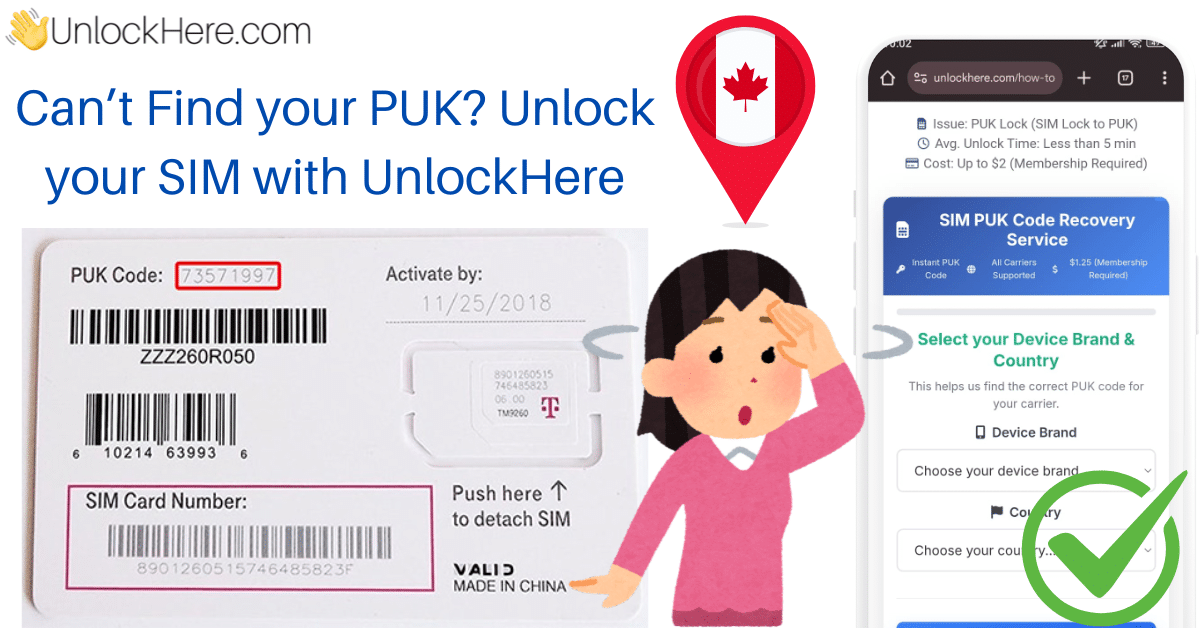
Unlocking your SIM card when it is locked to the PUK code can be a real headache. As you may be aware, this code is an extra layer of security to prevent unauthorized users from accessing your SIM card. However, this might not always be the case; it may have happened because you forgot your PIN code and locked the chip. We understand how frustrating this can be, which is why we have created a comprehensive guide to help you learn all about the PUK code and explore multiple ways to unlock this issue.
The PUK code, which stands for ‘PIN Unlock Key,’ is a security feature implemented by mobile carriers to block a SIM if a user cannot provide the correct PIN code. This measure has become widespread, and nowadays, most carriers use it, including those providing eSIMs. In this comprehensive guide, we will discuss this issue so you can manage it effectively and learn how to unlock your SIM from the PUK code.
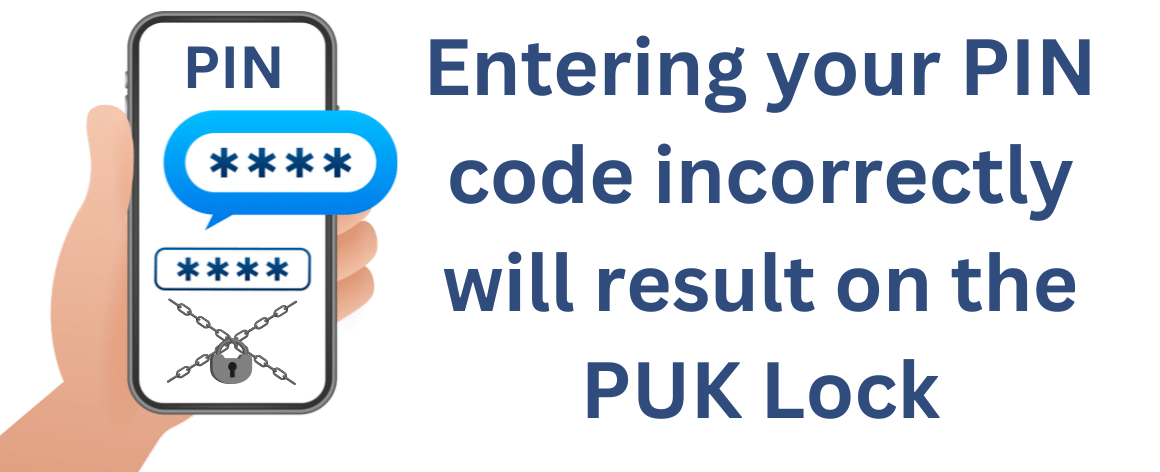
To better understand how this lock works, we need to know how the SIM gets locked in the first place. The most common reason users encounter a PUK lock is when switching devices. On most new phones, the SIM PIN is enabled to prevent unauthorized use of a SIM that doesn’t belong to the owner. For the most part, this is easy to resolve; all you need to do is enter the correct PIN code to unlock it. However, if you fail to do so, your SIM will lock to the PUK and remain that way until you retrieve your PUK code.
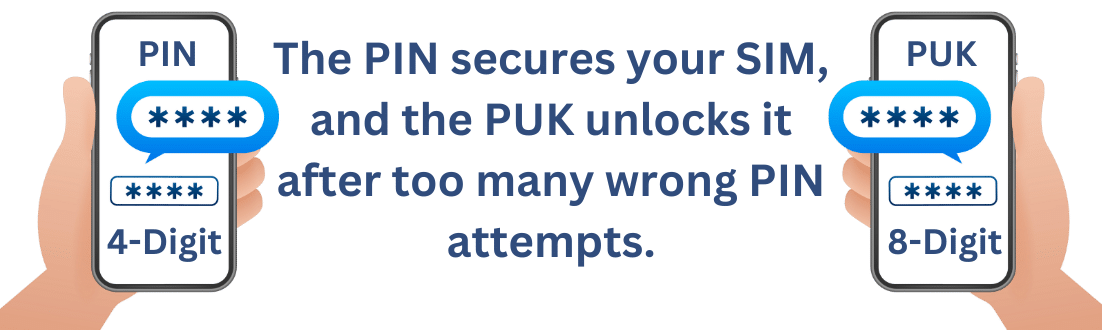
The main difference is that the PIN code is a 4-digit number that acts as a passcode to unlock your SIM card. On the other hand, the PUK is an 8-digit code that serves as an extra layer of security and allows you to reset the PIN code.
No, there is no such thing as a universal PUK code; every SIM comes with a unique code to unlock it if the user can’t enter the correct PIN. We recommend avoiding any methods that claim to unlock a SIM card without a PUK code by using a universal number. This can lead to a further lock and may result in the loss of all data on the SIM.
The PUK lock can affect any user, regardless of the device brand, carrier, or country. This code is related to the SIM card, not the cellphone itself. It’s important to keep this in mind, as some users may confuse it with the SIM lock, which is associated with the device itself.
If you’re wondering, “How can I unlock my SIM card?” we have a few options for you to try that can resolve this issue. Please read carefully through the different ways to unlock a SIM card with the PUK code. The best solution will depend on your specific situation.
If you are the legitimate owner of the SIM and have an active account with your mobile carrier, you can get it unlocked directly through them. If you’re interested in this method, follow these steps:
This method primarily works for users with an active phone plan, as the SIM will be linked to an account. This makes it easier for the company to identify your SIM and verify that you are the rightful owner of the number. Keep in mind that not all companies follow the same protocols, so be sure to complete any paperwork they require to unlock the SIM for you.
If the previous method was unsuccessful and the PUK code provided by the company didn’t resolve the SIM issue, you might consider obtaining a new SIM card. This option won’t affect your phone number, as the company can transfer your existing number to the new SIM; however, it will likely erase all information saved on your current SIM. To proceed with this option, follow the same steps as before by contacting your carrier and providing the necessary information for them to issue a new SIM. This can be an effective way to remove the PUK code without dealing with it directly.
If nothing else has worked, you might be able to obtain an unlock code using a third-party app. This will require some research to find the right service that meets your needs. Be cautious when searching for these apps, as not all of them may be safe. To make this process easier, UnlockHere has developed a tool that can unlock your device entirely online.
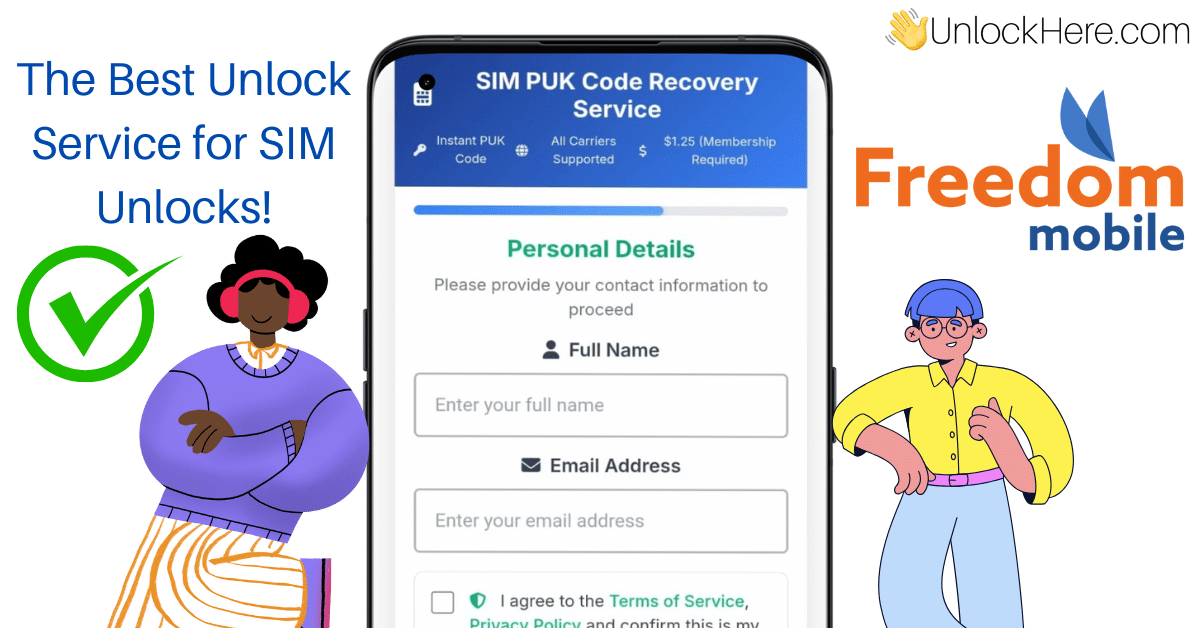
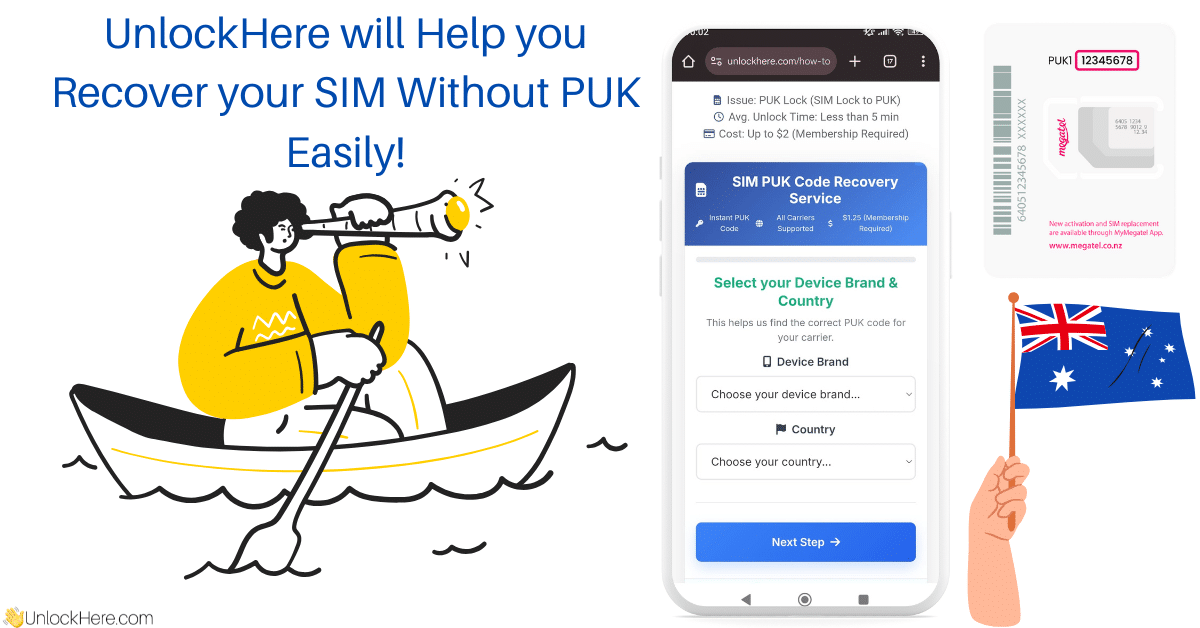
If you want to remove the PUK lock but have failed to enter the PUK code correctly, UnlockHere is the perfect option for you. Our online tool can help you remove the lock with minimal hassle, entirely online. This ensures the process is safe and will have your SIM running as it used to in just minutes. Be sure to follow this guide step-by-step to avoid any delays. This method is ideal if you want to unlock your SIM without contacting customer service.
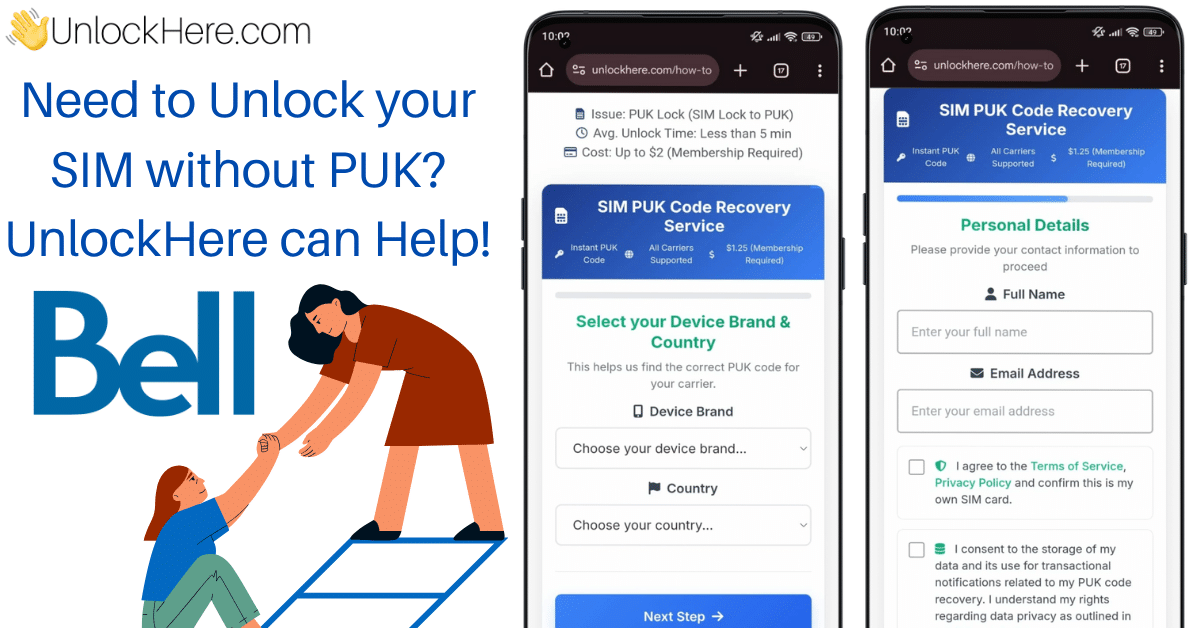
The first step is to provide the information of the SIM that is currently locked, this will require you to enter the following:
This will help us generate a request to the carrier to retrieve your PUK code. Ensure that the information entered is correct to avoid needing to repeat the unlock process. Once you have verified all the information, accept the website’s terms and conditions and submit the request.
At this point, you will likely be required to obtain a membership ID. Don’t worry; a tutorial on the page will provide all the information you need to get it. This step helps us prevent spam and ensure that the requests received are legitimate. This tool was created for personal use, and this verification method ensures it’s being used correctly and not for commercial purposes.
Once your account has been verified and the process is complete, you will receive a temporary PUK code via email. This code allows you to remove the lock on your SIM. That’s how easy it is to unlock your SIM card with UnlockHere.
As soon as entering the PUK code, whether you have found the original package, contacted the carrier or you used UnlockHere, you will be required to enter a new PIN code. Make sure to keep it safe, as this is a secret code that will grant access to your SIM to use the mobile services.
To remove the PIN code on your Android device, it will be an easy process. Keep in mind, that since Android runs on many devices, the names may vary. However, the process is the same and consist of the following:
That’s all you need to do, and it will take you less than a minute to complete this process. As with any unlocking process, make sure to verify it by restarting your device.
Disabling the PIN code and therefore the PUK code on your iPhone it’s fairly easy, all you have to do is follow these steps:
Â
Â
That’s all, your PIN code is now disabled on your device, and it won’t be asked again. If you want to double-check this information, simply reset the device, and you will see that you won’t be asked for it again.

PUK Unlock Service | Australia Fast & Reliable SIM PIN Unlock Service UnlockHere provides a fast, easy, and secure way to unlock your PUK code for any device or SIM card across Aus

AI-Powered PUK Code Generator | Any Carrier in the US Fast & Reliable SIM PIN Unlock Service Locked out of your SIM card? Well, there's nothing to worry about because UnlockHere's

AI-Powered PUK Code Generator | Bell Canada Fast & Reliable SIM PIN Unlock Service Don’t let a locked Bell SIM disrupt your day — UnlockHere makes it easy to recover access without

PUK Unlock Service | Canada Fast & Reliable SIM PIN Unlock Service UnlockHere offers a fast, easy, and secure way to unlock your PUK code for any device or SIM card across Canada.

AI-Powered PUK Code Generator | Freedom Mobile Fast & Reliable SIM PIN Unlock Service UnlockHere offers a quick and reliable solution for PUK unlocks on all devices and SIM cards w

AI-Powered PUK Code Generator | Rogers Canada Fast & Reliable SIM PIN Unlock Service If you’re locked out of your Rogers Canada device due to a PUK issue, UnlockHere is here to hel

AI-Powered PUK Code Generator | Telus Canada Fast & Reliable SIM PIN Unlock Service Unlock your Telus SIM instantly with UnlockHere — no need to call customer support or wait for a